


Near-surface geophysics methods are used in a wide range of geoscience and environmental disciplines such as hydrogeology, critical zone science, and engineering geology. A core requirement of the NSF National Geophysical Facility (NSF NGF) is to provide support for near-surface geophysics research and workforce development. Although some aspects of near-surface have been supported by geophysical facilities in the past, it is explicitly called out in the current award.
But other NSF-funded organizations are also involved in aspects of near-surface geophysics. To provide more integrated and comprehensive support to the science community, five NSF-funded Earth science organizations have entered a new partnership to centralize near-surface geophysics support for the first time; in addition to NSF NGF these organizations are the Center for Transformative Environmental Monitoring Programs (CTEMPs), Natural Hazards Engineering Research Infrastructure (NHERI), the Consortium of Universities for the Advancement of Hydrologic Science, Inc. (CUAHSI), and OpenTopography.
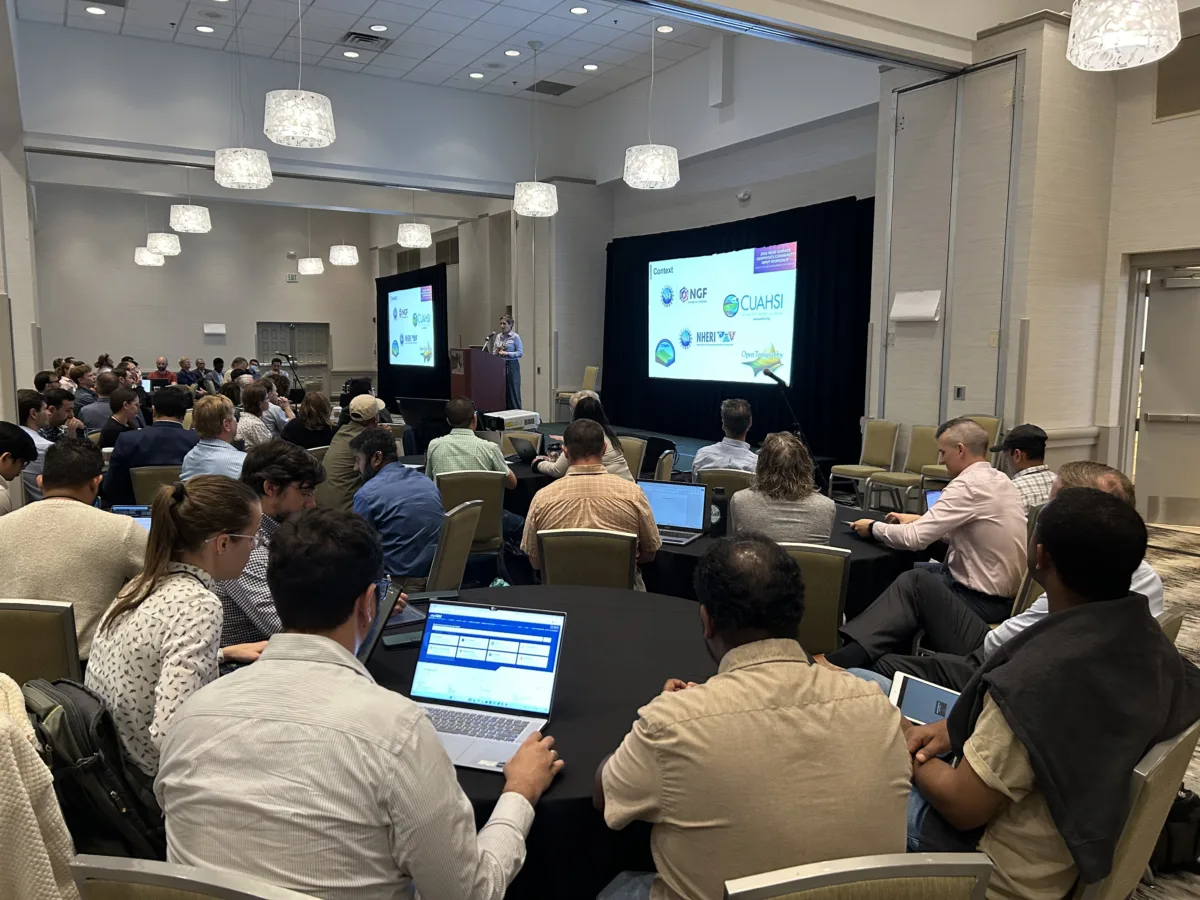
The first activity taken together was the Near-surface Geophysics Community Input Workshop, bringing together a broad cross-section of the geoscience and near-surface geophysics community. Developed with input from the AGU Near-surface Geophysics Section and held in late August 2026 in Albuquerque, New Mexico, the workshop aimed to fortify relationships, surface new collaborations, and build on prior community input.
Ninety-four attendees, ranging from academic faculty, researchers, and late-stage graduate students to industry professionals and federal employees, were tasked with assessing gaps, identifying complementary efforts, and considering how to coordinate opportunities among the partner organizations and the broader research and education communities. Across a day and a half of plenary talks and interactive breakout sessions, attendees identified high priority actions to increase collective impact.
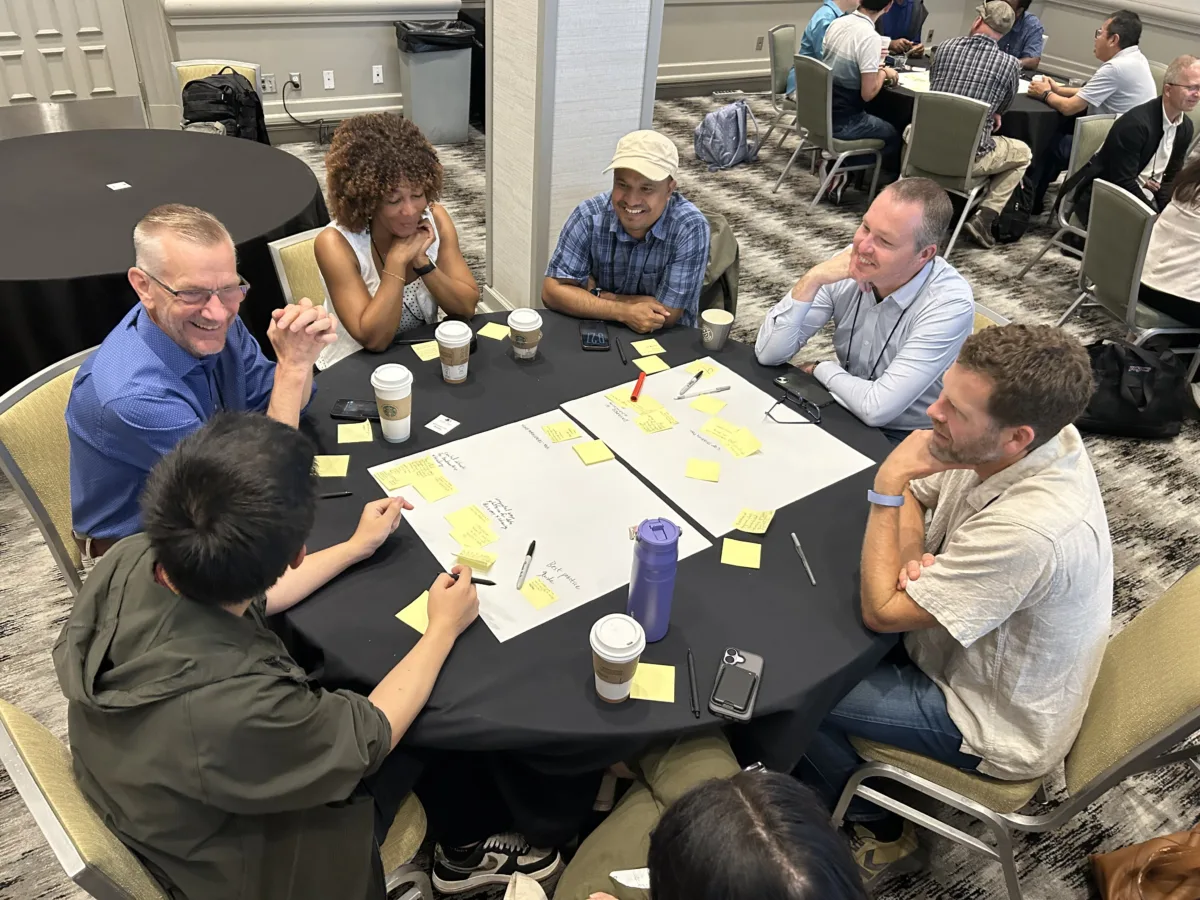
A synthesis of workshop outcomes is now available, which drew from the community input to create a set of prioritized capabilities for partner organizations to follow. In the near term, the organizations will implement the partnership and virtual center governance structure and create an online landing page for sharing resources. Thereafter, the partners plan to work together to sponsor more community events, acquire additional instrumentation through current funds and new proposals, develop data tools and best practices, build a portfolio of multi-modal training programs, and create mechanisms for interdisciplinary networking and collaboration.